Play FLAC on Apple Watch
Stream lossless FLAC audio from your NAS or WebDAV server directly to your wrist. SOLONAS v8.0 brings FLAC and CAF support to watchOS.
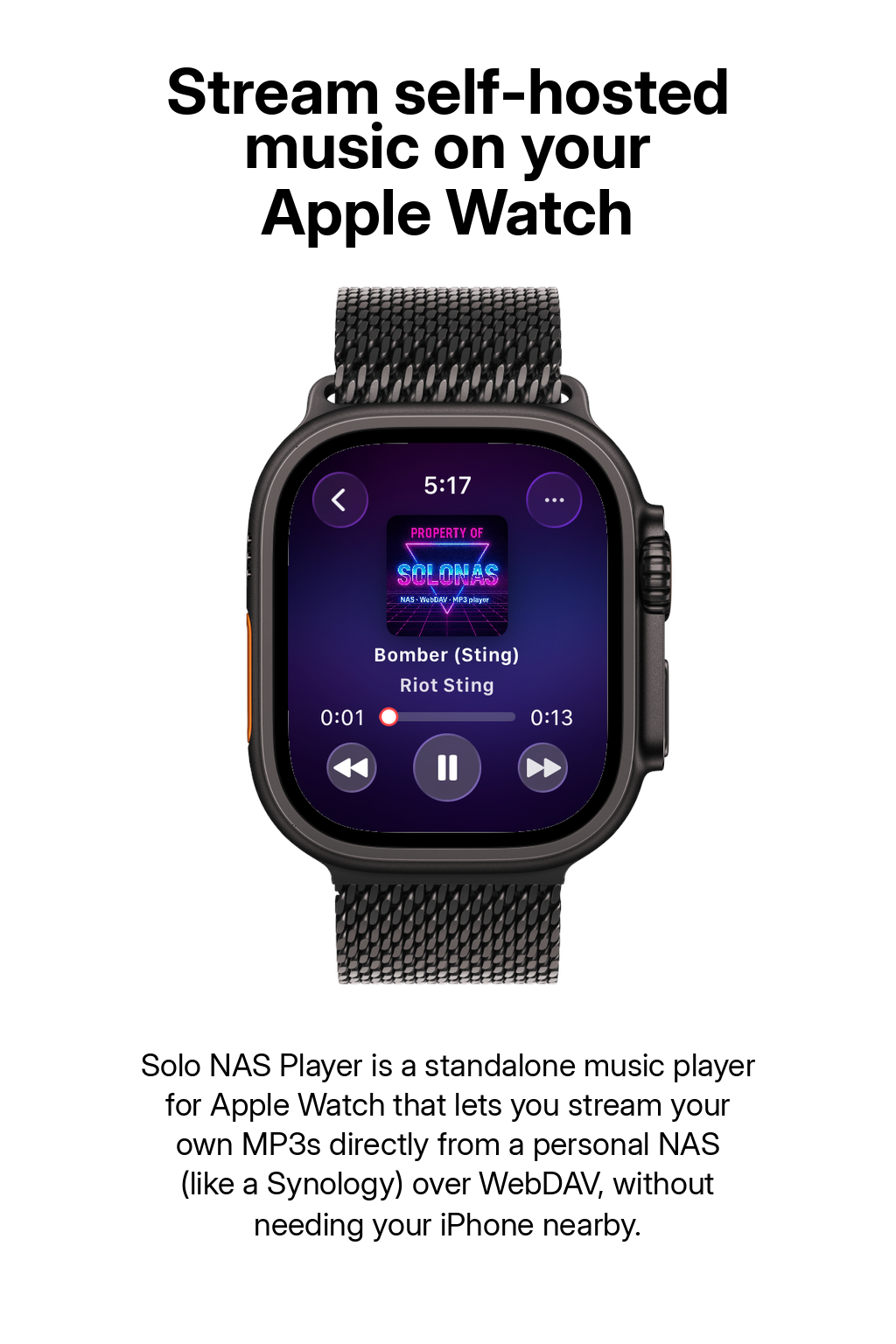
 Apple Watch app
The Challenge
FLAC on Apple Watch: Why It Has Been Difficult
Apple Watch supports Apple's own lossless format (ALAC) through Apple Music, but it has no native way to play FLAC files from your own library. If you have a collection of FLAC albums on a NAS, there has been no way to stream them to your wrist - until now.
Most watch music apps are limited to MP3 or Apple Music integration. SOLONAS v8.0 changes that by adding native FLAC decoding on watchOS. Your lossless files stream directly from your NAS to your Watch with no transcoding and no quality loss.
Supported Formats
FLAC, MP3, and CAF - All on Your Wrist
SOLONAS v8.0 supports three audio formats on Apple Watch, so you can play your library regardless of how your files are encoded:
FLAC
Lossless compression. Full audio quality preserved. Typical file size: 20-40 MB per track. Best for audiophile listening on Wi-Fi.
MP3
Lossy compression. Smaller files (3-10 MB). Great for cellular streaming and large libraries where storage and bandwidth matter.
CAF
Apple's Core Audio Format. Can hold lossless or lossy audio. Useful if you have files from Apple's ecosystem or Logic Pro.
SOLONAS shows a format badge in the player so you always know whether you are listening to FLAC, MP3, or CAF.
Step by Step
How to Stream FLAC to Apple Watch
Copy your FLAC albums to your NAS music folder. Organize by Artist/Album or however you prefer - SOLONAS reads the folder structure directly.
On your NAS, enable the WebDAV service and turn on HTTPS. On Synology, install the WebDAV Server package and check "Enable HTTPS" (default port 5006). See the full Synology guide.
Open the App Store on your Watch, search for SOLONAS, and install. FLAC support requires v8.0 or later - update if you have an older version.
Open SOLONAS, enter your NAS details, and browse your library. FLAC files show a format badge. Tap to stream lossless audio directly to your wrist.
Tips
Getting the Best FLAC Experience on Apple Watch
- Use Wi-Fi for FLAC streaming. FLAC files are 3-5x larger than MP3. On your home network this is not an issue, but over cellular you may notice buffering with very large files.
- Mix formats in the same folder. SOLONAS plays FLAC, MP3, and CAF side by side. Keep FLAC versions of your favorite albums alongside MP3 for the rest.
- Keep file names clean. Short, simple file names load faster on the Watch. Avoid special characters.
- Organize by folder. SOLONAS browses your NAS folder tree directly. A clean Artist/Album/Track structure makes navigation fast on the small Watch screen.
FAQ
FLAC on Apple Watch - Common Questions
Can Apple Watch play FLAC files?
Not natively. The built-in Music app does not support FLAC from a NAS. SOLONAS v8.0 adds native FLAC decoding on watchOS, letting you stream lossless files directly from your NAS or WebDAV server.
Which Apple Watch apps play FLAC?
SOLONAS for Apple Watch supports FLAC, MP3, and CAF. It is a dedicated NAS music player with native FLAC playback added in v8.0.
Is the FLAC audio transcoded or compressed?
No. SOLONAS streams the original FLAC file from your server and decodes it on the Watch. There is no transcoding, no re-encoding, and no quality loss.
Can I stream lossless music to Apple Watch from a NAS?
Yes. SOLONAS streams FLAC from your NAS over Wi-Fi or cellular. The full lossless quality is preserved end to end.
Does FLAC streaming use more data than MP3?
Yes. FLAC files are typically 3-5x larger than equivalent MP3 files. On Wi-Fi this does not matter. Over cellular, consider using MP3 for lower data usage.
What is the difference between FLAC and ALAC?
Both are lossless audio formats. FLAC is an open standard used widely in the audiophile community. ALAC is Apple's proprietary lossless format used in Apple Music. SOLONAS supports FLAC; Apple Music uses ALAC.
How much does SOLONAS cost?
SOLONAS for Apple Watch is a paid app on the App Store. FLAC support is included at no extra cost, and it is a one-time purchase with no subscription and no in-app purchases.
More questions? See the full FAQ page or contact support.
Get SOLONAS
Lossless Music on Your Wrist
One-time purchase on the App Store. FLAC, MP3, and CAF, all from your NAS.
Apple Watch app
iPhone app